QR Codes on Electronics: Setup, Manuals and Warranty
An electronics product gets scanned at three very different moments: in the shop, while the buyer compares it with the box next to it; at home, half-unpacked, trying to get it working; and two or five years later, when it stops working and the manual is long gone. Those are three different people wanting three different pages, and a single code pointing at your homepage serves none of them.
This is for the people who make or sell electronics: the brand putting a code on a box, a quick-start card or the device itself, and the shop putting one on a shelf tag. It covers where each code goes, what it should open, and the decision that matters most on a product that lasts years: whether the code can be changed, and who keeps it working.
Moment one: in the shop
A shopper holding your box is deciding between it and the one next to it. They want the facts the box has no room for: the full spec sheet, what it works with, what is and isn’t in the box, and how it compares with your other models.
- Open a spec and compatibility page for that exact model, not a range page. “Does this work with my TV / phone / car?” is the question that loses the sale when nobody answers it.
- Make it readable standing up. One column, the answer to “will it work with mine” near the top, no pop-up asking for an email.
- Say what the code does. “Scan for full specs and compatibility” gets scanned. A bare code on a busy box mostly doesn’t. What to put next to a QR code covers the wording.
Shops can do the same on a shelf tag: a code per model that opens its spec sheet or reviews saves a staff member a conversation.
Moment two: setting it up
The quick-start card or the inside of the lid is where the second code belongs. The buyer has the device out and wants it working. They do not want your homepage, your newsletter or the full manual. They want the setup steps for this model, ideally a short video, and the app if the device needs one.
- Link a web page, not a PDF file. A 60-page PDF on a phone means pinching and scrolling. A page can show the five setup steps first and link the full manual below.
- If the device needs an app, one code can serve both phones. A dynamic code with a device rule (Smart Rules, on CreateQRCodes’ Business plan) can send iPhones to the App Store and Android phones to Google Play. Or keep one setup page with both store badges, which works with any code.
- Put the setup code where it is seen during setup, not on the outer sleeve that went in the recycling first.
Moment three: years later, when something goes wrong
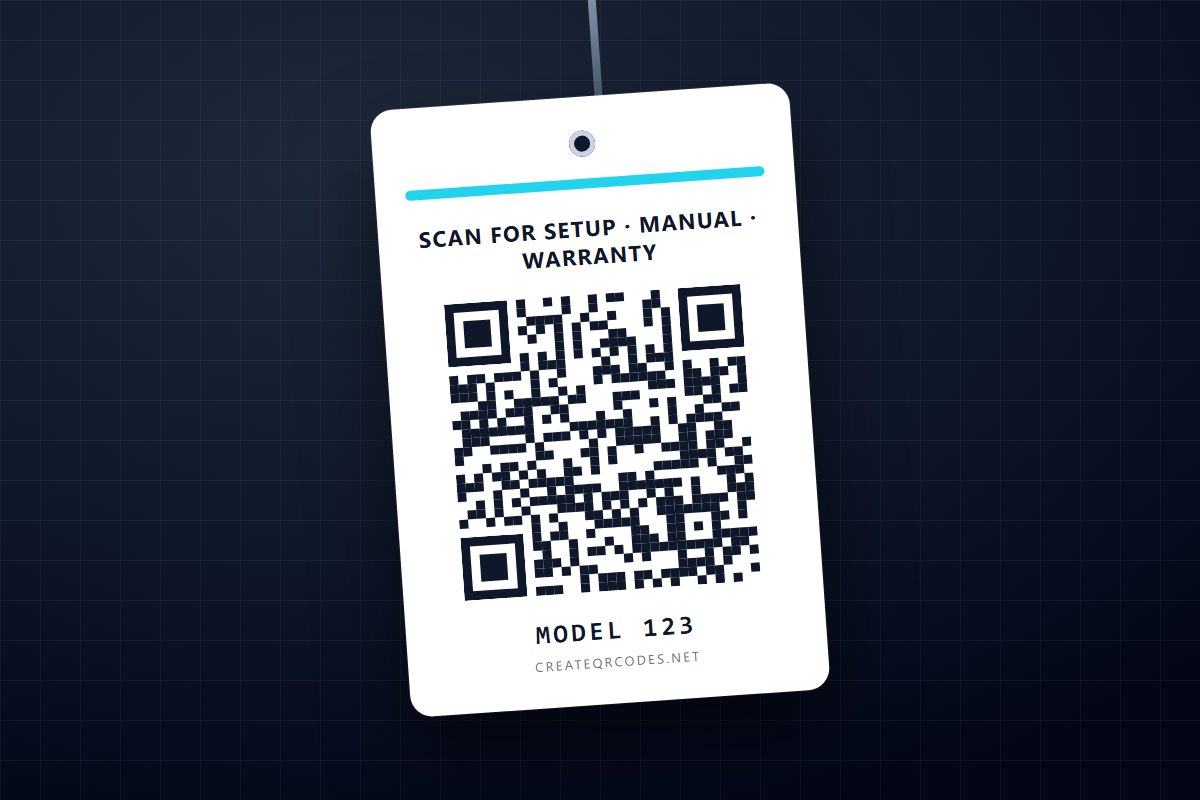
This is the code that earns its place, and the one most brands skip. The box is gone and the manual is lost, so the only thing left is the device. A small code on the back or underside that opens one support page for that model answers most of what an owner needs:
- the manual and quick-start guide, as pages and as downloads;
- firmware, drivers or software updates;
- warranty terms and registration;
- spare parts and compatible accessories (chargers, batteries, remotes, cables);
- how to contact support, with the model already filled in;
- how to recycle it at end of life.
Treat this page as the model’s permanent home. Spare parts and accessories also make it one of the few places a code on a product leads to a second sale, years after the first one.
Static or dynamic, for a product that lasts ten years
This is the decision that matters most, and the usual answer of “always use dynamic” is too simple. A static code contains the address itself. A dynamic code contains a short link to a QR service, which forwards the scan to an address you can change at any time.
On a box or a quick-start card, use dynamic codes. Packaging ships for a year or two, product pages move, and being able to re-point a printed code without reprinting is what a dynamic code is for. It also gives you scan counts.
On the device itself, think longer. The code will be scanned for as long as the product lasts. A dynamic code keeps working only as long as the service behind it does, and that is true of every QR provider, including us: a dynamic code from CreateQRCodes resolves through createqrcodes.net. For the device body, the most durable choice is a static code pointing at a short address on your own domain, like yourbrand.com/s/MODEL123, that you commit to keep as a redirect for the life of the product. You control it, it moves when your site moves, and it doesn’t depend on any outside service. You give up scan counts from the code itself, but your own site’s analytics still see the visits.
One code per model, or per unit?
Per model is right for almost everything above. A code per unit, carrying the serial number, is only worth it if the page actually uses the serial: pre-filling warranty registration, checking whether a unit is under warranty, or showing the firmware for that production batch. That needs a system on your side that reads the serial. A unique code per unit with nothing reading it is just harder to print.
If you do go per unit, a static code is the practical choice. The serial goes into the address (yourbrand.com/s/MODEL123?sn=A1B2C3), and codes can be produced in bulk from a spreadsheet. CreateQRCodes’ bulk CSV generator makes static codes, which is the right kind here: each one is a fixed address that needs nothing from us to keep working.
Printing a code on a device
Devices are hard surfaces for a code: small, often curved, sometimes textured or glossy, and sometimes moulded in one colour. Three rules carry over from QR codes on product labels, where the sizes and print details are covered in full:
- Dark code on a light background, with a clear quiet zone round it. A code embossed in the same colour as the plastic has no contrast and won’t scan reliably.
- Shorter addresses make simpler codes. The fewer characters in the address, the larger each square can be at the same size, which matters at a square centimetre or two. Another reason for
/s/MODEL123over a long support URL. - Test the real thing. Scan a production sample with several phones, in dim light, at the angle someone holding the device would use.
Regions and languages
If one box ships to several countries, a dynamic code with a country rule can send each scan to that country’s support site, which matters when warranty terms and service centres differ. CreateQRCodes’ Smart Rules route by country, device, operating system and time, on the Business plan. They don’t route by the phone’s language setting, so a multilingual country is better served by one page with a language switcher.
What the scan count can and can’t tell you
Dynamic codes report how many times each was scanned, an estimate of how many different people scanned it, and from which countries and kinds of device. With a separate code on the box, the quick-start card and the device, you see which moment people actually use. It won’t tell you who scanned, whether they bought, or whether the page solved their problem. For that, look at what they did on the page.
The short version
- Three codes for three moments: the box opens specs and compatibility, the quick-start card opens setup, and the device opens a permanent support page.
- Link pages, not PDF files.
- Dynamic codes on packaging. On the device body, a static code to a short address on your own domain that you will keep.
- One code per model, unless something on your side reads the serial number.
- Print it dark on light, keep the address short, and scan a production sample before you sign off.